

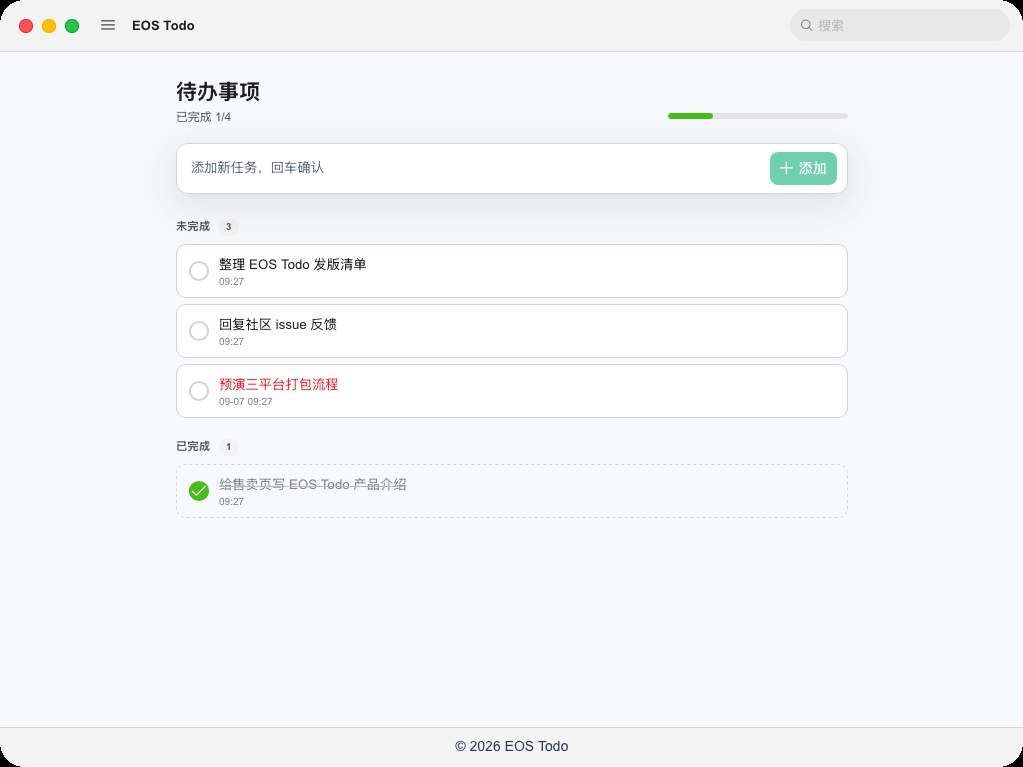
EOS Todo
Free + ProYour day, one clear list.
Todos, screenshots, a focus timer and local folders. Keep everyday work local; use AI with Todo Pro. Pro includes optional encrypted cloud sync.
Explore productmacOS · Windows · Linux
EOS / TOOLS FOR EVERYDAY WORK
Organize your tasks, keep your inboxes in one place, or compress a folder of images. Pick the EOS tool for the job.
Desktop apps
From planning a day to moving a project forward.
Your day, one clear list.
Todos, screenshots, a focus timer and local folders. Keep everyday work local; use AI with Todo Pro. Pro includes optional encrypted cloud sync.
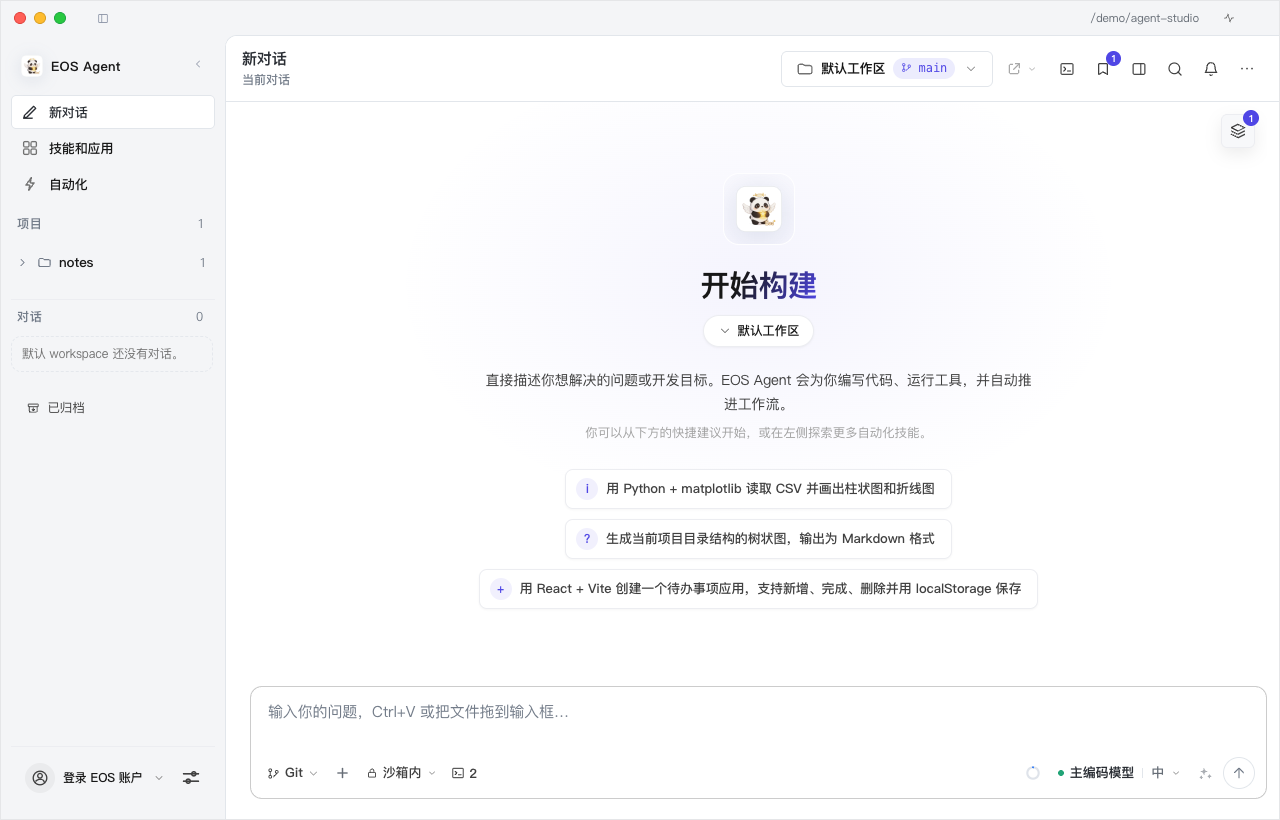

EOS Agent — AI Coding Agent & Desktop Workspace
Desktop AI coding workspace for real projects.
Web tools
Lightweight tools, ready when you need them.
 EOS Media · Web
Image compression · Format conversion · Resize images · Images to PDF
Digital products
The spec-driven playbook for shipping with AI agents.
$19 USD · One-time purchase
Explore productTerminal AI coding agent — TUI, headless, MCP server.
Manage tasks, send and receive email, and batch convert and compress files. You can also use AI to help write code, troubleshoot issues and run tests. Each product works independently, so choose what you need.
Yes. Todo, Mail and Media are everyday tools that do not require programming knowledge. EOS Agent and CLI are for development work; you need to configure a model service and check the results of AI actions.
Choose Todo for tasks, Mail for email and Media for file conversion and compression. For AI-assisted development, choose EOS Agent if you prefer a graphical interface, or CLI if you work in a terminal.
The EOS Agent desktop app is free, and you can use your own API key. If you choose EOS-hosted models, a subscription is required. CLI and Media are free during public beta. Todo’s basic local features are free; the AI assistant and cloud sync require Pro. The methodology handbook is a separate purchase. When you bring your own API key, the model provider bills you for model usage. EOS Mail has a stable release with an optional Pro subscription; features and entitlements depend on the product page and selected version.
Desktop data is primarily stored locally, and API keys use local credential storage. When Todo cloud sync is enabled, synced content is encrypted before upload, with keys managed by EOS. When you use AI, relevant content is sent to the model service you use. Media’s online tools process files locally in your browser.