
 EOS Todo
Keep everyday work close
Add and edit tasks, tick them off, and spot overdue work. Capture the screen or a region and browse local folders without opening another tool.
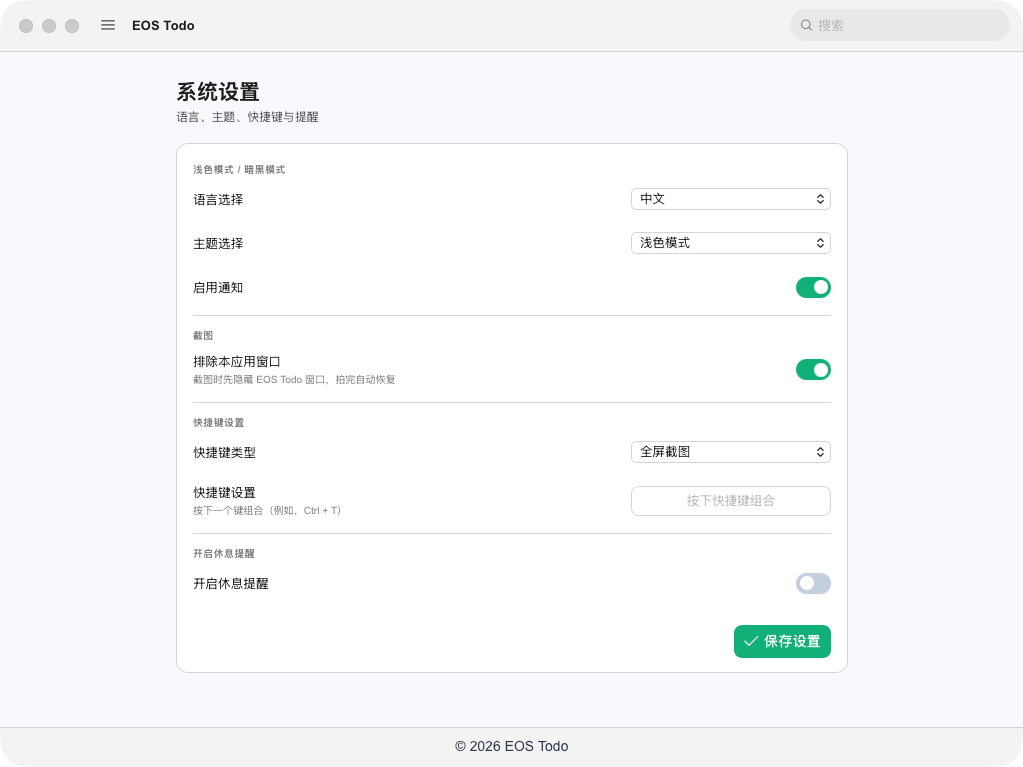
EOS TODO · DESKTOP
Todos, screenshots, a focus timer and local folders. Keep everyday work local; use AI with Todo Pro. Pro includes optional encrypted cloud sync.
For Windows x64, Linux x64 and Apple Silicon (M-series) Macs
First time installing?Installation guide
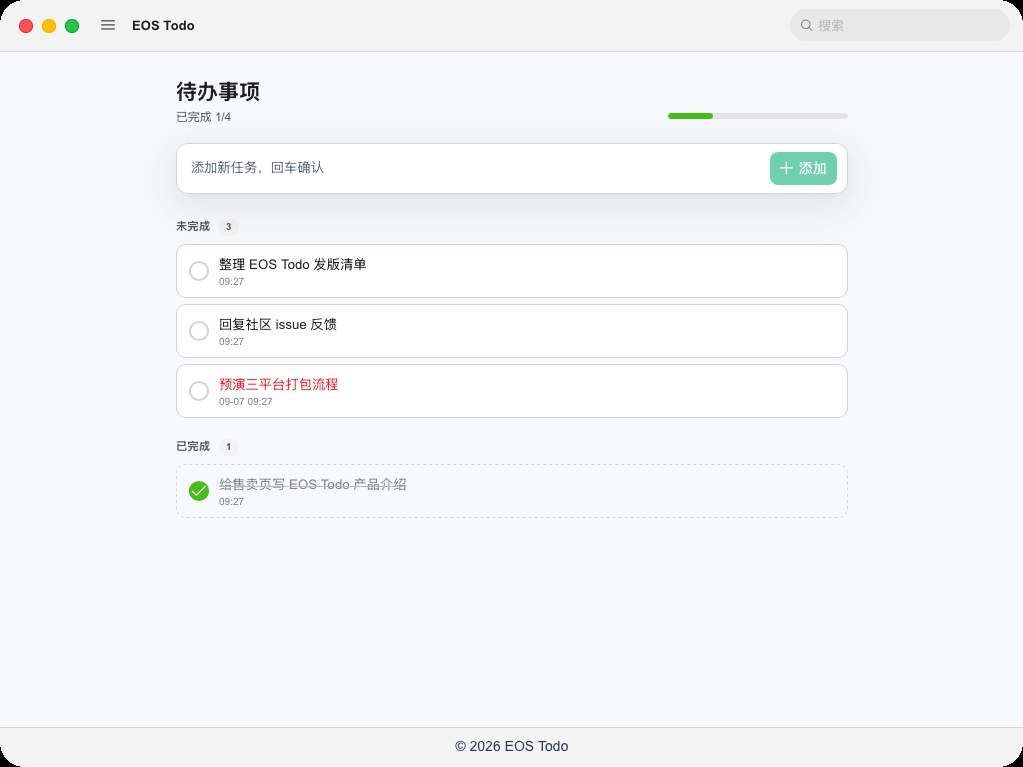
Paste your notes into Quick Capture in Todo Pro. Review the list and choose what to add.
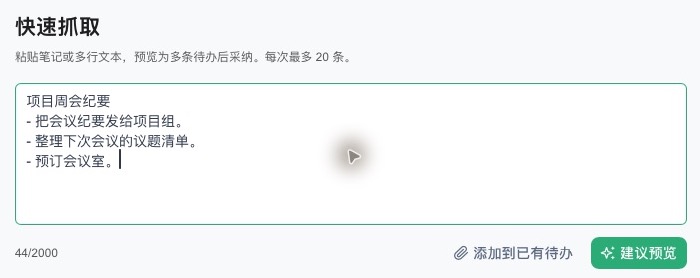
In this example, the notes cover sharing the minutes, planning the next agenda and booking a room.

Todo AI finds the action items in the notes.
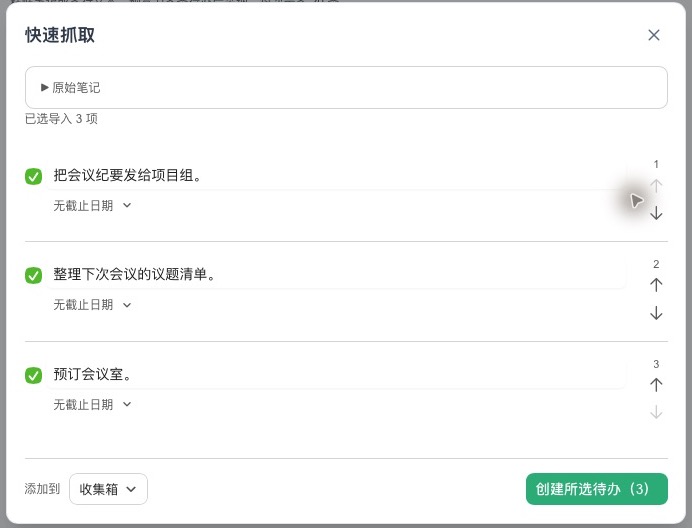
Three editable drafts are ready to review.
EOS Todo 1.4.10 · macOS · Hosted AI
Less switching. More focus.
Add and edit tasks, tick them off, and spot overdue work. Capture the screen or a region and browse local folders without opening another tool.
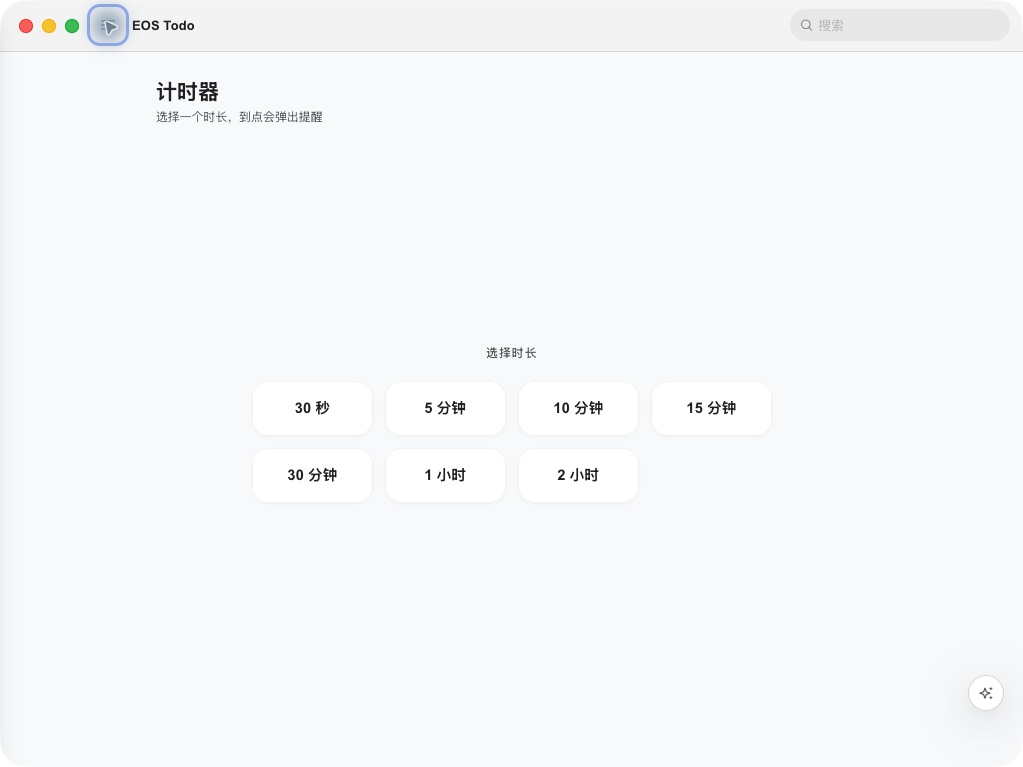
Choose a duration and focus on the task in front of you. A reminder appears when the countdown finishes.
FREE & PRO
Everyday local features are free. An optional Pro subscription connects AI to your EOS account. Pro includes optional encrypted cloud sync.
| Feature | Free | Todo Pro |
|---|---|---|
| Local tasks, screenshots and folders | Included | Included |
| Focus timer, themes and shortcuts | Included | Included |
| Cloud sync | — | Optional, encrypted |
| AI assistant | — | EOS hosted AI or your own API key |
| Hosted AI credits | — | 4,000 each month |
TODO PRO
$4.99 USD / month
12 monthly payments: $59.88
AI assistance and 4,000 hosted AI credits each month. Pro includes optional encrypted cloud sync.
Subscribe monthly$39.99 USD / year
About $3.33 / month · Billed yearly
Save $19.89 a year vs monthly
The same Pro features. Credits are issued monthly, not as an annual lump sum.
Subscribe yearlySubscriptions renew automatically. Manage cancellation in your account; access continues until the paid period ends. Credits reset monthly and do not roll over. Usage varies by model: 4,000 credits does not mean 4,000 requests. Your own API key is billed by its provider. Prices are in USD; applicable taxes and the final total are shown at checkout.
Tasks and focus timers are free. Choose Pro for the AI assistant or optional encrypted cloud sync.
Pro includes 4,000 hosted AI credits each month. Usage depends on the model and the request.
Example from November 18, 2026: transcribing one 4.1-second clip with Qwen3-ASR-1.7B used 0.05 credits. Actual usage varies.
You can connect your own model to the Pro assistant. Your model provider bills those requests. Todo’s hosted voice transcription uses EOS credits.
For Windows x64, Linux x64 and Apple Silicon (M-series) Macs. Intel Macs are not supported.
Linux x64
First time installing?Installation guide
Local tasks stay on your computer. With Pro, you can enable encrypted cloud sync. Task content and attachments are encrypted before upload. EOS manages the sync key for your account. AI requests send the relevant messages and content you choose to provide to EOS hosted AI or your configured provider. Sign-in, update checks and feedback also use the network. Read our privacy policy and AI use information.
The link resolves the platform-approved current installer for the selected platform each time. The app also supports update checks, backup download sources and resumable downloads, with confirmation before installation.
Use Feedback in the app, with a description and screenshots stripped of personal data, or email support@eosaios.com.